Announcing Save Cannes: Your Films Are the Screensaver
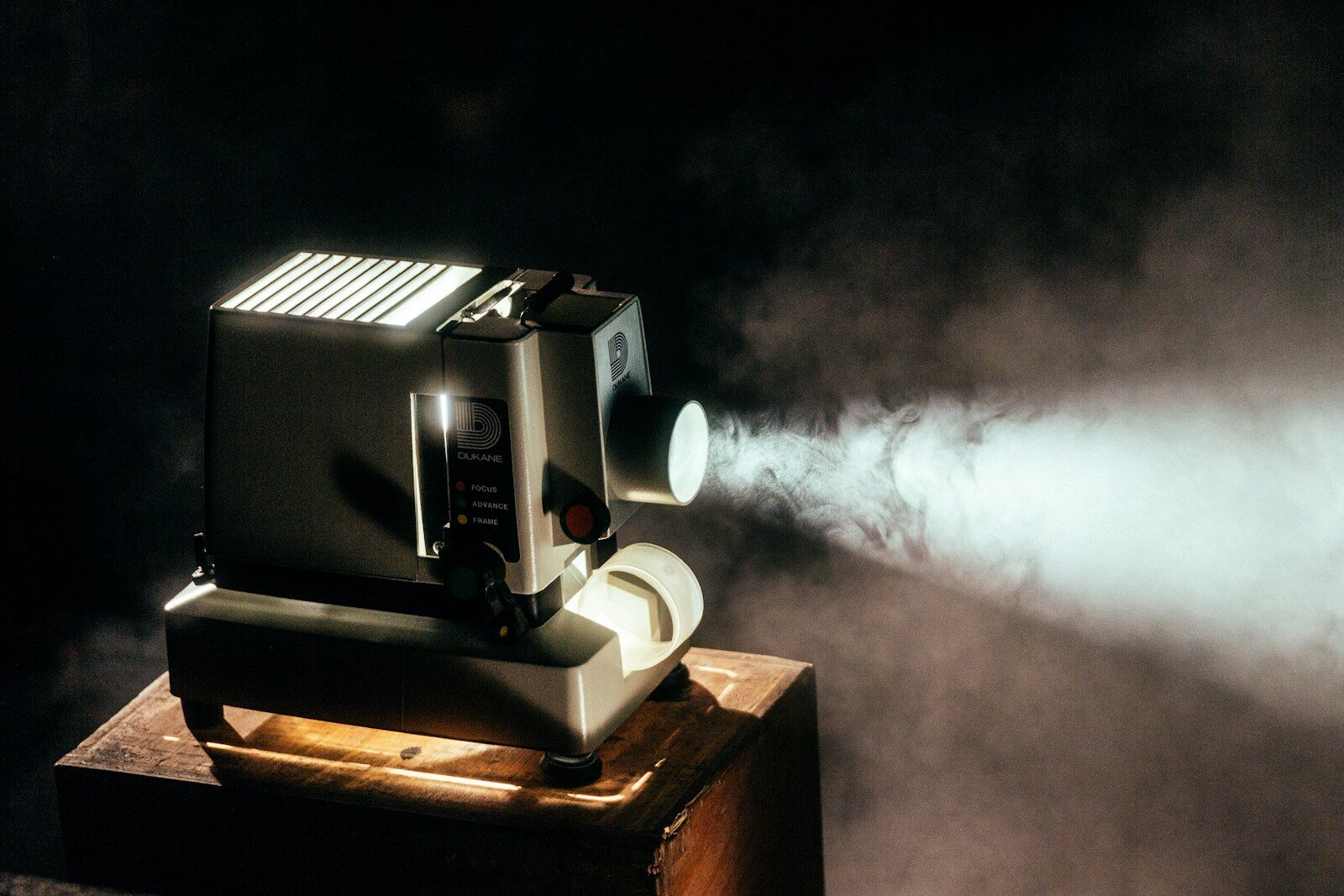
Photo by Jeremy Yap on Unsplash
Save Cannes is out. It plays your own films when your Mac goes quiet.
That’s the whole pitch, and I can’t take credit for it. There used to be a screensaver called Save Hollywood, by WhiteBox, that did exactly this — point it at a folder of video and your idle Mac became a cinema. I ran it for years. Then macOS rearranged the furniture underneath it, as macOS does, and it stopped working, and I spent an embarrassingly long time being quietly annoyed about that before accepting that the only fix I control is building it again myself.
So: same idea, rebuilt from scratch, nothing borrowed but the affection. Point Save Cannes at a single file, a folder of films, a whole library of folders, or a live stream — mixed freely, as many sources as you like — and when the Mac goes idle it covers every display and starts playing. Touch the mouse and it’s gone.
Why it isn’t a .saver
Save Cannes is an app that behaves like a screensaver, not a .saver bundle, and this time the reason is stronger than preference.
I’ve written before about why Rainy Day took this shape — the legacy screensaver host is a hostile landlord and every macOS release rearranges the locks. But Save Cannes has a disqualifier all of its own: a .saver runs inside a system process, and that process cannot hold on to the file-access grant macOS requires before anything is allowed to read your files. For a product whose entire job is reading your film library, that isn’t an inconvenience. It’s a wall. An app can be granted access to your folders once and keep it; a screensaver bundle can’t. So it’s an app.
You lose nothing by it. It idles in the menu bar, watches for the quiet, covers every display when the time comes, and leaves the moment you move. If you want the screen to lock when it dismisses, there’s a switch for that too.
Films, folders, and one honest limitation
Folders are walked recursively, so a library organised one-folder-per-film needs no flattening. A single file loops. And a stream — an HLS address or a direct MP4 — plays live, which is where it gets fun: NASA+ runs a free 24/7 feed of Earth from orbit, and I can report that a wall-sized window on the planet is a very acceptable thing for an idle Mac to be doing. The exact addresses are in the README.
One thing I want to be straight about, because the alternative is you discovering it and wondering if it’s a bug: a live stream never hands over. It has no end, and a playlist can’t advance past something that never finishes — so once a display lands on a live feed it stays there until you come back. That’s inherent to what “live” means, not a fault, but it does mean a stream mixed into a folder of films will eventually claim that display for the rest of the session. Mix knowingly.
Multiple displays each run their own playback — three monitors can play three different films, or share one shuffle. Sound is off by default, because a screensaver that starts talking to an empty room is nobody’s friend; turn it on and it plays through the main display only.
The small things
A caption fades in low in the corner to tell you what’s playing — the file’s own embedded title when it carries one, the filename when it doesn’t, and never, under any circumstances, the full path. Nobody wants their folder structure projected on a wall.
There’s a capture hotkey: press it while something beautiful is on screen and the frame lands in ~/Pictures/Save Cannes/ as a PNG. The frame is pulled from the video file itself rather than grabbed off the display, so you get the full frame at the film’s own resolution, not a crop shaped like whichever monitor it happened to be crossing.
And photographs play too, right alongside the films — JPEG, HEIC, RAW, anything macOS recognises. A folder of photos plays through as a collection before the next film takes over. They get a small treatment of their own on screen which I’m deliberately not going to describe, because finding it is nicer than being told.
Free, as ever
Save Cannes is free and public domain, like everything I make. It needs macOS 14 or later. There’s a signed and notarised installer and a zip on the product page, the source is on GitHub, and Homebrew users can have it in one line:
brew install --cask perpetualbeta/jorvik/savecannes
Updates arrive through the built-in updater, checked daily, signed.
Somewhere along the way the screensaver stopped being a place we put things we love and became a system setting nobody opens. This is my small vote for the old arrangement: the Mac goes quiet, the lights go down, and something you chose starts to play.